
2. Getting Started
To get started with the Motor Control Application Framework, follow the directions given in the release notes for motorBench® Development Suite. The release notes walk through these steps:
entering configuration information
self-commissioning to identify motor parameters
autotuning to compute controller gains
file generation to produce source code
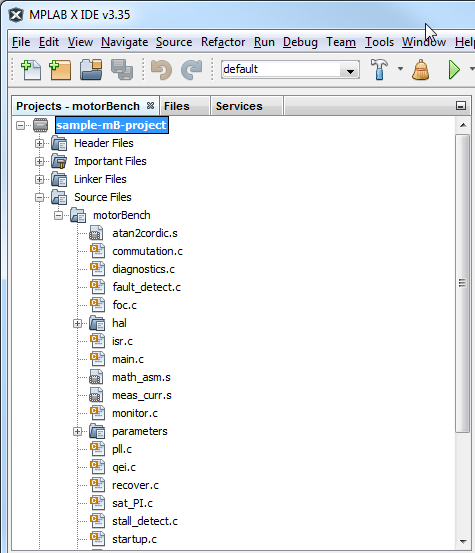
At this point, the MPLAB® X project will now contain code generated from the Motor Control Application Framework, and these files can be found in the Header Files and Source Files folders in the project:
Click on the “Run Main Project” (play) button on the MPLAB® X toolbar to build the project and program the device:
